
Introduction
In today’s digital marketing and freelancing world, video content is king. Whether you’re a freelancer building your brand, a digital marketer creating campaigns, or a beginner content creator, mastering video editing tools can elevate your storytelling and boost engagement. This guide explores the best beginner‑friendly video editing software, their features, and how they can help you create professional content without overwhelming complexities.
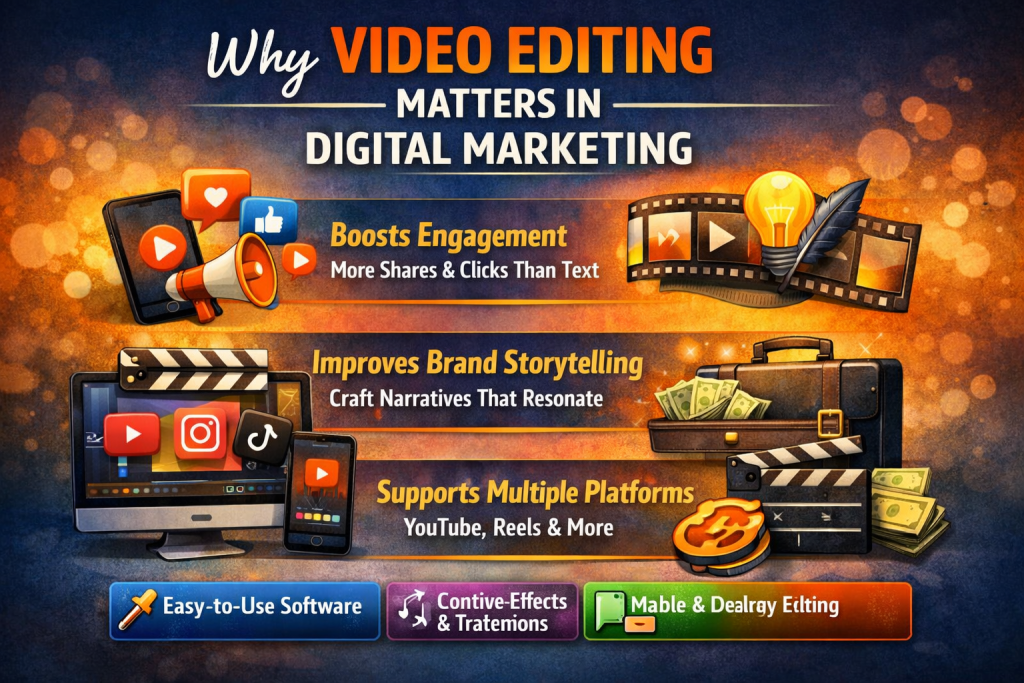
Essential Video Editing Tools for Beginners
1. Filmora
Intuitive drag‑and‑drop interface
Built‑in templates and effects
Affordable pricing for freelancers
2. Adobe Premiere Pro (Beginner Mode)
Subscription model may be costly but worth the investment
Industry standard with scalable features
Beginner tutorials available
Great for freelancers aiming to grow into professional editing
3. Movavi Video Editor
Ideal for freelance marketers creating ads
Simple interface with powerful features
Supports 4K editing
Built‑in transitions and filters
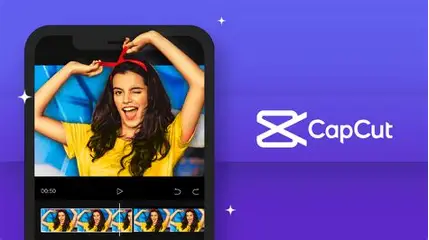
4. CapCut
Great for freelancers managing short‑form content
Free and mobile‑friendly
Popular among TikTok and Instagram creators
Easy timeline editing and effects
5. DaVinci Resolve
Widely used in film and marketing industries
Free version with professional color grading
Steeper learning curve but rewarding
Perfect for freelancers wanting cinematic quality
6. PowerDirector
Affordable subscription
Beginner‑friendly with advanced options
Fast rendering and AI tools
Great for social media ads and YouTube
FAQs
Q1: Which video editing tool is best for absolute beginners? CapCut and Filmora are the easiest to start with due to their drag‑and‑drop simplicity.
Q2: Can I edit videos on my phone? Yes, tools like CapCut and InShot allow mobile editing, perfect for freelancers on the go.
Q3: Do I need expensive software to start? No. Free tools like DaVinci Resolve and CapCut are powerful enough for beginners.
Q4: How does video editing help in freelancing digital marketing? It enhances your service portfolio, allowing you to offer video ads, social media content, and brand storytelling.
Conclusion
Video editing is no longer optional—it’s essential for freelancers and digital marketers. With beginner‑friendly tools like Filmora, CapCut, and Movavi, you can create professional content that elevates your brand and attracts clients. Start small, practice regularly, and scale up to advanced tools like Premiere Pro or DaVinci Resolve as your skills grow.